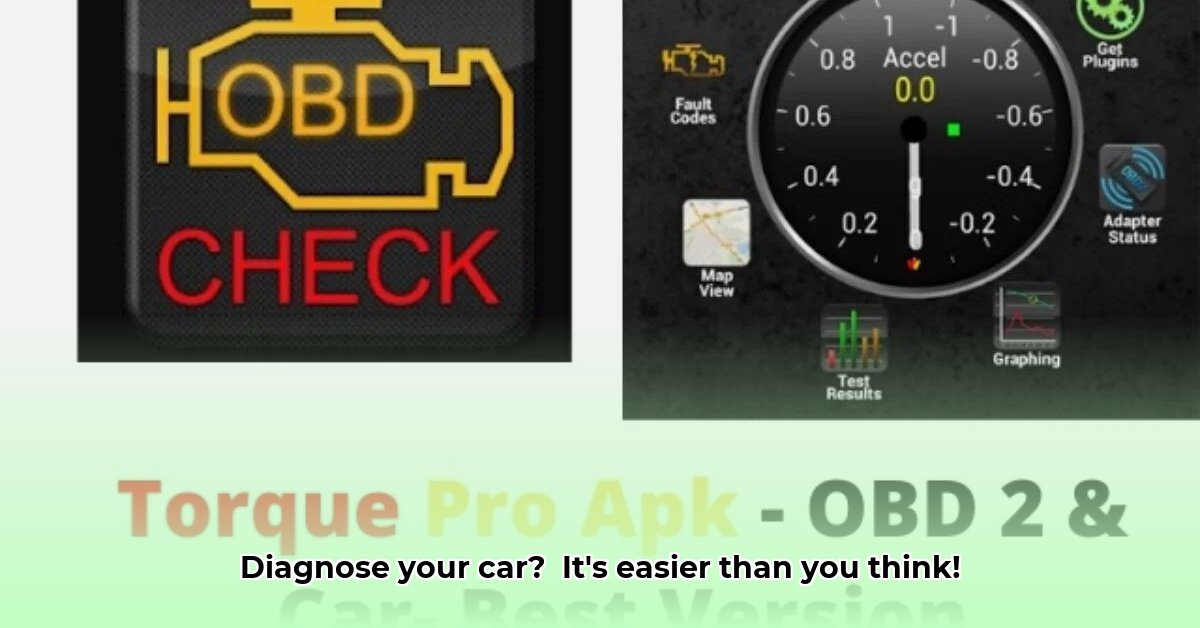
Want to understand your car's health better? APK Torque, and similar OBD-II apps, can help. This guide provides a step-by-step approach to using this powerful tool, explaining how to connect, interpret data, and troubleshoot common issues. Remember, while this app empowers you, it's a tool, not a replacement for a professional mechanic.
Understanding APK Torque and OBD-II
APK Torque connects to your car's onboard diagnostic system (OBD-II) via a Bluetooth adapter, providing real-time information about your vehicle's performance and potential problems. This includes data like engine speed (RPM), fuel consumption, coolant temperature, and—crucially—Diagnostic Trouble Codes (DTCs). Think of it as a sophisticated digital gauge cluster that can help you detect potential issues early. But remember, interpreting this data requires caution and shouldn't replace professional diagnosis. How many drivers actually understand the wealth of information their car is constantly providing?
Getting Started: Connecting APK Torque
Before you begin, you need the APK Torque app (available on your phone's app store) and a compatible Bluetooth OBD-II adapter. Connecting is straightforward:
- Locate the OBD-II Port: Find the OBD-II port, usually under the dashboard near the steering column (most cars built after 1996 have one).
- Connect the Adapter: Plug the OBD-II adapter firmly into the port.
- Install the App: Download and install the APK Torque app on your smartphone.
- Pair the Devices: Enable Bluetooth on your phone, launch the app, and follow its instructions to pair with the OBD-II adapter. This usually involves selecting your adapter from a list of available Bluetooth devices.
- Launch the Dashboard: Once paired, you'll access a dashboard showing real-time vehicle data such as engine RPM, speed, fuel level, and more.
Interpreting the Data: Decoding Your Car's Signals
The APK Torque dashboard provides an abundance of information. You can customize it to display the data most relevant to you, whether you're most interested in fuel efficiency, engine temperature, or other vital signs. Understanding these readings, however, requires some knowledge. Have you ever wondered what each sensor reading actually means?
Understanding Diagnostic Trouble Codes (DTCs)
Diagnostic Trouble Codes (DTCs) are error messages from your car's computer. APK Torque translates these codes into user-friendly descriptions. While helpful in identifying potential issues, these codes are just clues; don't jump to conclusions without further investigation. A professional mechanic can provide accurate diagnosis and repair recommendations.
Here's what to do when you find DTCs:
- Record the Code: Note the specific DTC code displayed by the app.
- Research the Code: Use reliable online resources (like reputable automotive repair websites) or your vehicle's repair manual to understand the meaning of the code. Do this before taking any action.
- Assess the Severity: Determine the severity of the indicated issue. Some codes indicate minor problems, while others require immediate attention.
- Seek Professional Help (When Needed): For serious issues or if you're unsure about a code's meaning, consult a qualified mechanic.
Advanced Features and Troubleshooting
APK Torque offers advanced features like data logging (recording data over time to identify trends), graph interpretation, and extensive customization options. If you encounter difficulties, try these troubleshooting steps:
- Connection Problems: Ensure Bluetooth is enabled, the adapter is securely connected, and both your phone and the adapter are powered on correctly.
- Inaccurate Readings: Recalibrate your adapter according to its instructions, and check the adapter's connection to the OBD-II port. Sometimes the adapter needs specific orientation.
- App Glitches: Close and reopen the app, or try reinstalling it.
Ethical and Legal Considerations
Remember that APK Torque is a tool; it doesn't replace professional diagnosis. Misinterpreting data could lead to unnecessary repairs or even dangerous situations. Always prioritize safety. Also, review the app's privacy policy concerning data collection. Clearing emission-related codes without addressing the underlying problem might have legal consequences, so check local regulations.
The Future of OBD-II Apps
OBD-II technology is constantly evolving. We can expect future iterations of APK Torque and similar apps to offer even more sophisticated diagnostic capabilities and integration with other vehicle systems, creating a more comprehensive and user-friendly experience.
Ready to explore the diagnostic capabilities of your car? Download APK Torque and begin your journey towards more informed vehicle maintenance. However, always remember to use this tool responsibly and seek professional help when needed.
⭐⭐⭐⭐☆ (4.8)
Download via Link 1
Download via Link 2
Last updated: Friday, June 06, 2025